April 2026 Newsletter
What does "edge computing" really mean?
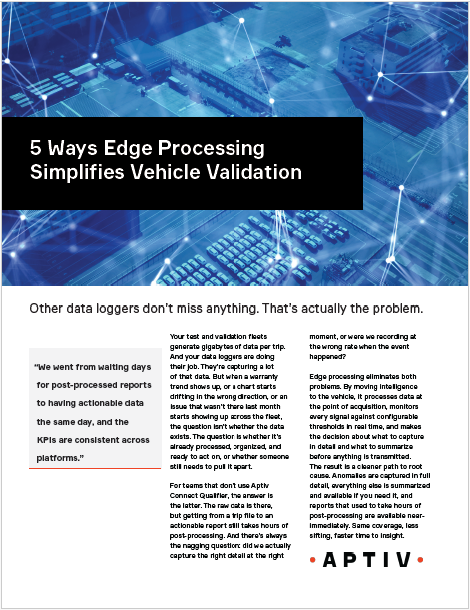
The phrase "edge computing" has been popping up in a lot more places lately, and we've been getting some questions about what that means and why it is important in vehicle data analytics. In a nutshell, Aptiv VDRs do a lot of data processing right in the vehicle before any data ever goes to the cloud. That helps ensure that you have the data you need and that it's easy to find. To learn more, check out the white paper on 5 Ways Edge Processing Simplifies Vehicle Validation.
Validate ADAS with the EP-2500
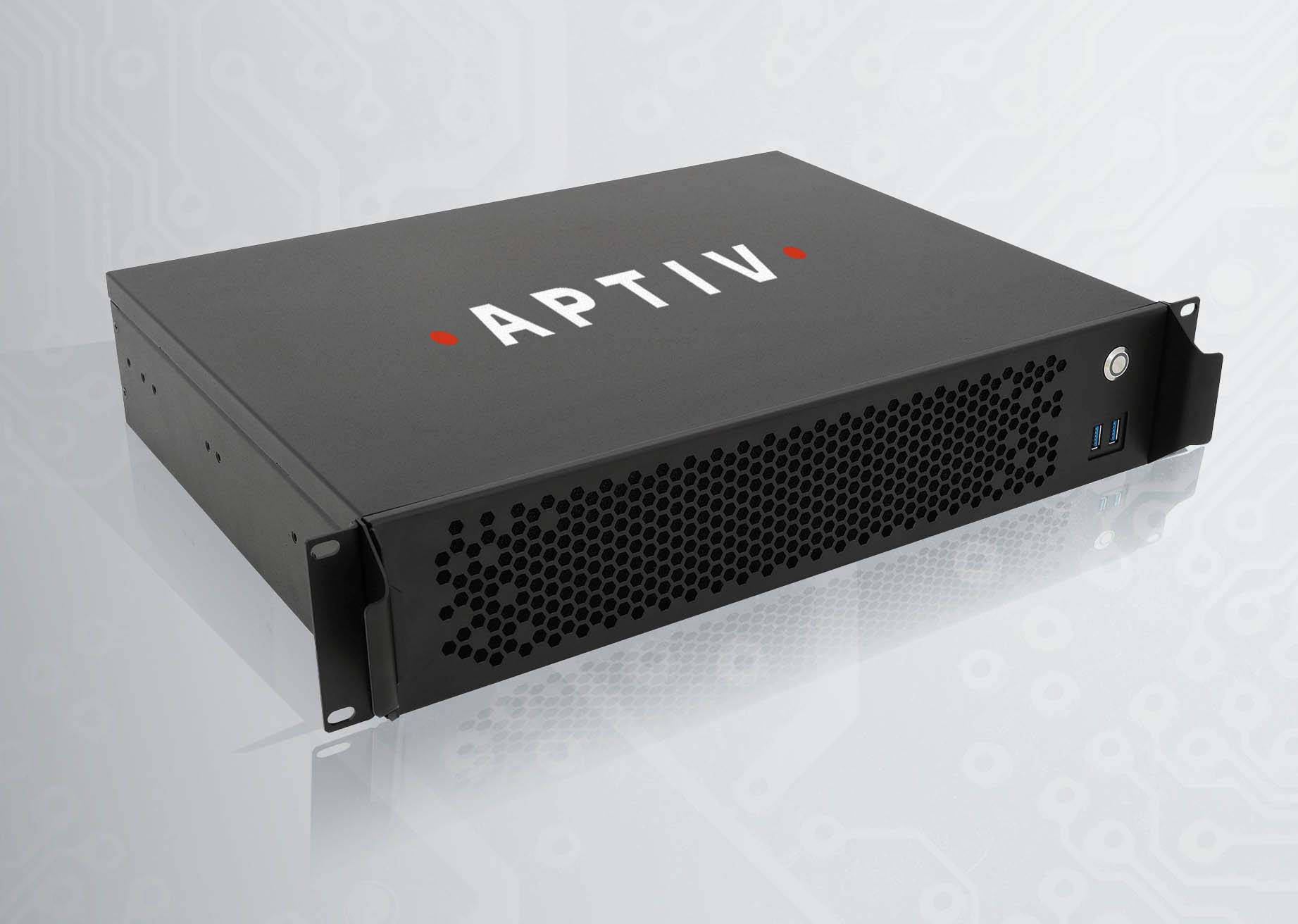
If you have HiL setups or early development vehicles that require continuous data logging, the EP-2500 makes it possible to integrate this data with the rest of your Qualifier data. It works alongside an EP-2000 to provide heavy data logging capabilities along with event-driven analytics. For more information about how it works, contact your Aptiv representative or email qualifier@aptiv.com
Upcoming events
Planning to attend any shows or conferences this year? The Qualifier team will be at quite a few events. Stop by and see us if you are at any of these:
- June 23-25 Automotive Testing Expo Europe, Stuttgart, Germany
- Sept 15-20 IAA Transportation, Hanover, Germany
- Sept 29-Oct 1 COMVEC, Schaumburg, Illinois
- October 27-29 Automotive Testing Expo NA, Novi, Michigan
- October 27-29 IZB, Wolfsburg, Germany
Speed improvements
If you've recently noticed that the Vehicle page in the Next-Gen interface seems a lot faster, it's not your imagination. As a result of some back-end changes, the Next-Gen Vehicle page is now considerably faster than the Legacy version for most users. Check it out next time you use Qualifier.
Pro tip: Open page filters quickly
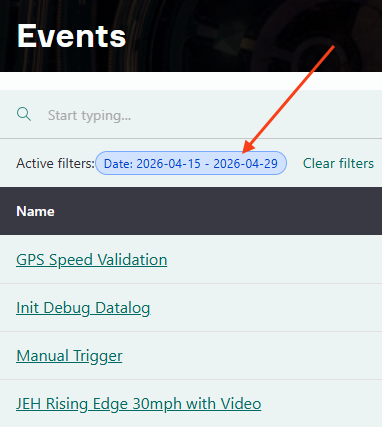
Next-Gen Qualifier has two types of filters. Global filters affect the entire site. You set these on the home page. Page filters affect only the page you are currently viewing. You can see a summary of the current page filters highlighted in blue just below the omnisearch box. If you click that blue highlight, it will immediately open the filter interface so that you can adjust what Qualifier is displaying and find the data you need quickly. You can also open filters by clicking the icon that looks like a funnel in the upper right corner of the page. You can learn more about filters in the Help Center.
Your Aptiv team is here to help
Questions? Contact your Aptiv representative or email qualifier@aptivcs.com.
Aptiv Connected Services
5725 Innovation Drive, Troy, MI 48908