May 2025 Newsletter
Collecting more data? No problem
One of the things that sets Qualifier apart from other vehicle data solutions is its scalability. As you add more team members or vehicles, Qualifier's granular access control makes it easy to assign each person to the vehicles and data that are relevant to them. Its remote data acquisition capabilities allow teams to work together even if they are on opposite sides of the world. And if you have a short-term project that temporarily requires you to increase data collection, scaling up and down is simple. To learn more about adding more team members or vehicles, contact your Aptiv representative or email qualifier@aptivcs.com.
Did you miss the Stuttgart Test Expo?
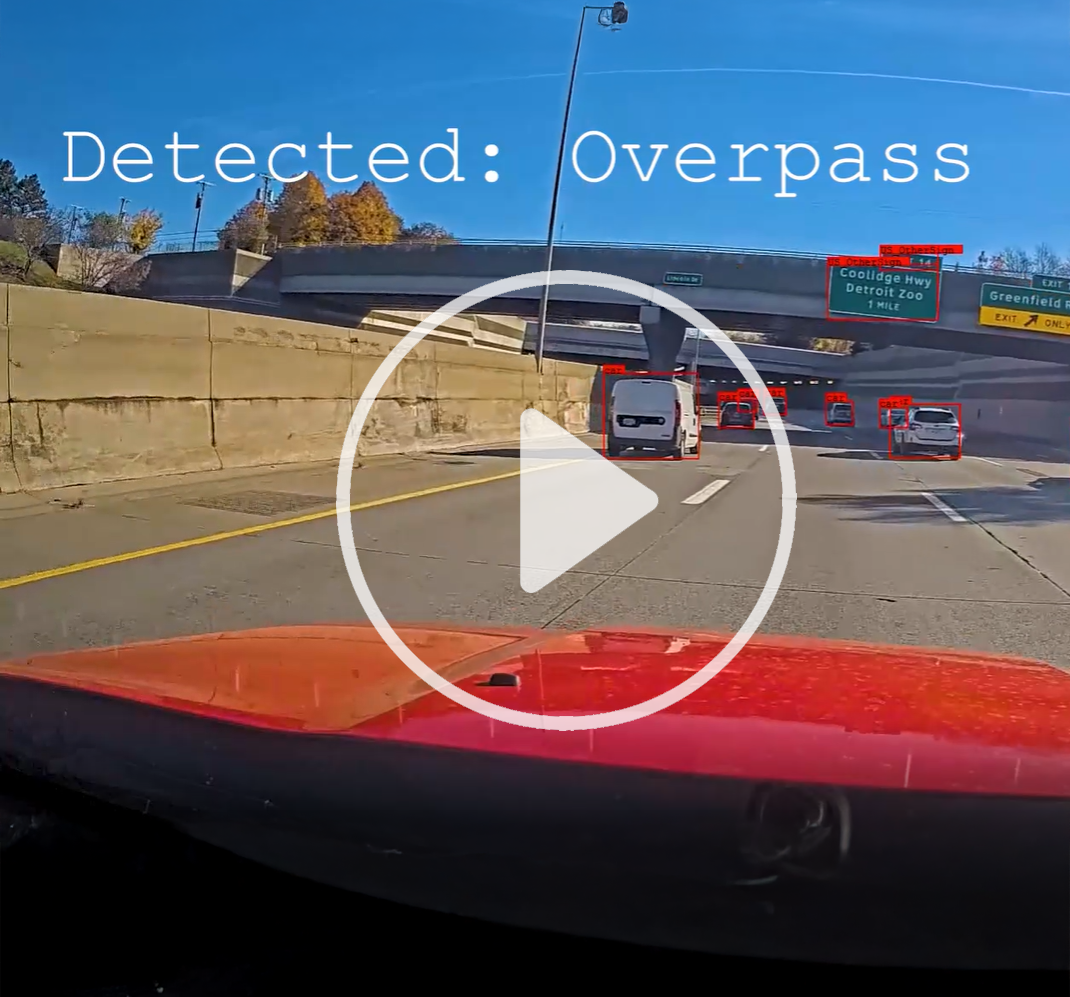
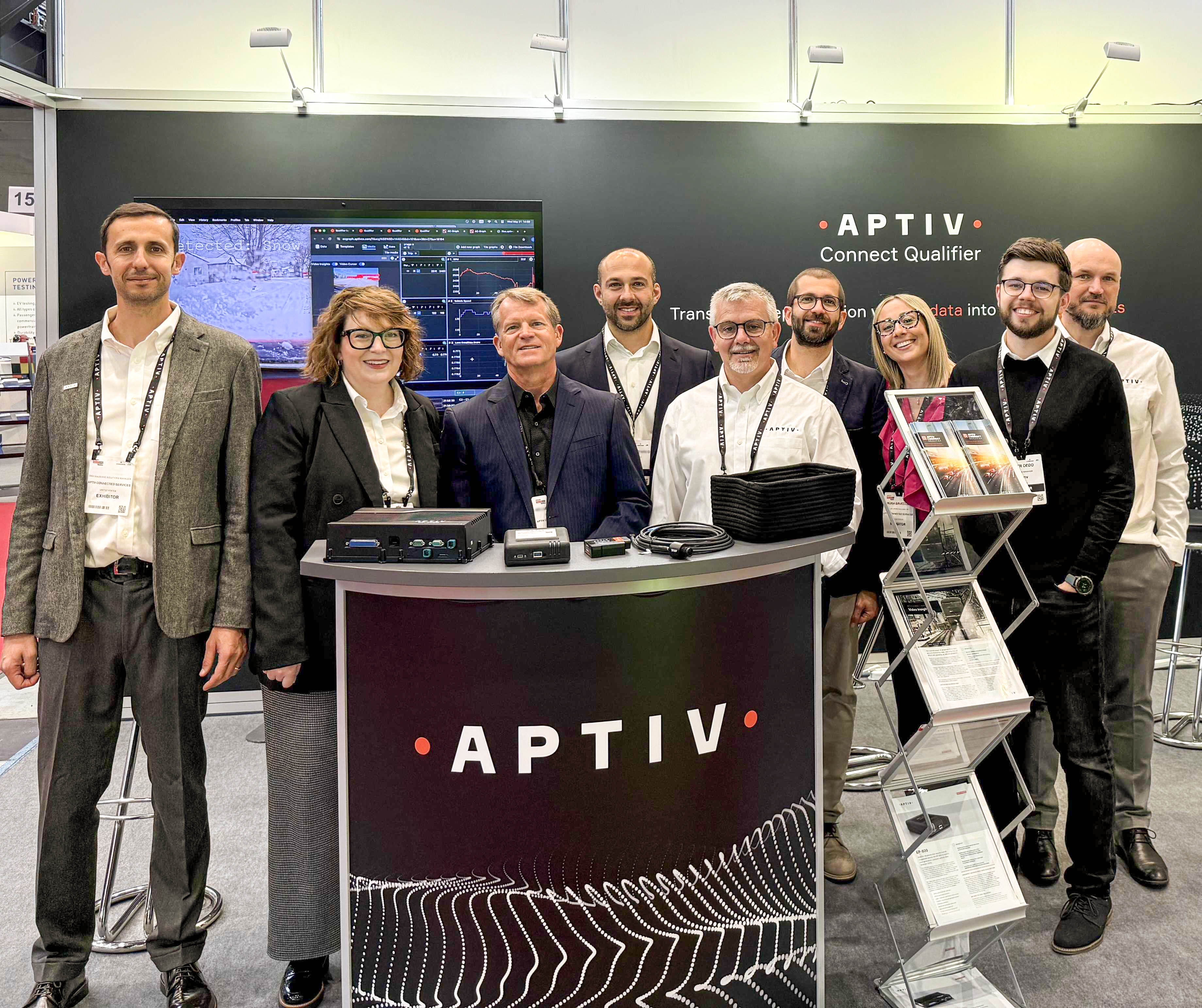
It was great to meet with all of you who came out to the Automotive Testing Expo in Stuttgart last week. We really enjoyed learning more about your current projects. At our booth, our recording of Video Insights footage taken from AC-Graph attracted a lot of attention, and we also showed off the EP-800 and our Qualifier dashboards. If you didn't make it to the show and are curious about what you missed, contact your Aptiv representative. We'd love to give you a quick demo.
Order your EP-800s now
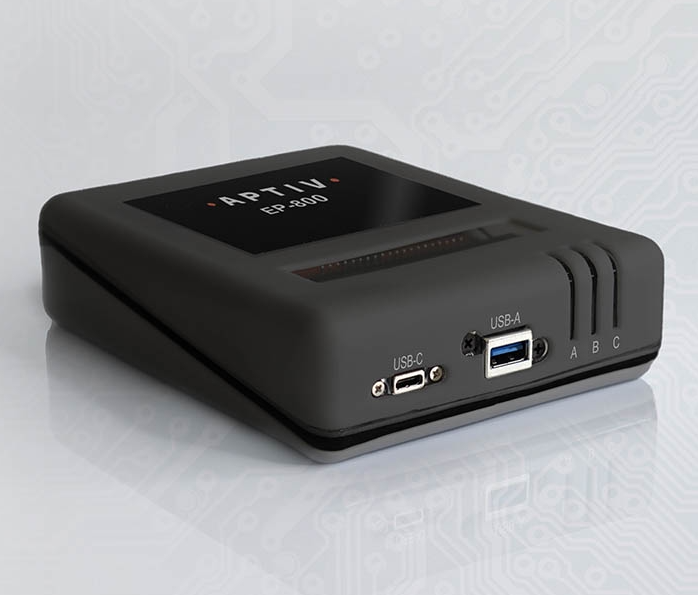
If you've been eagerly anticipating our newest vehicle data recorder, your wait is almost over! We are now taking orders for the EP-800. With its IP68-rated waterproof housing, internal antennas, and compact size, the EP-800 is ideal for two-wheelers, agricultural equipment, off-road vehicles, and other settings where space is at a premium. If you'd like to learn more, check out the recent feature in Automotive Testing Technology International or see the EP-800 video or data sheet.
Set up your summer alerts
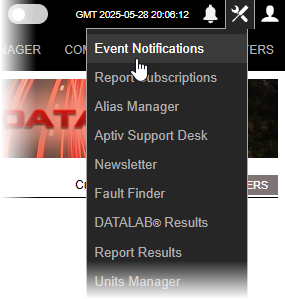
Summer vacations will be here soon! If you need to keep track of what's happening with test vehicles while you are away from the office, Qualifier makes it easy. In the Legacy interface, click the toolbox icon in the upper right corner, and then select Event Notifications or Report Subscriptions. Click the green plus sign to set up a new notification or subscription, and follow the on-screen prompts. If you need more assistance, the Help Center has step-by-step instructions for How to Set Up Alerts/Even Notifications and How to Subscribe to Reports.
Pro tip: Link from a map to AC-Graph
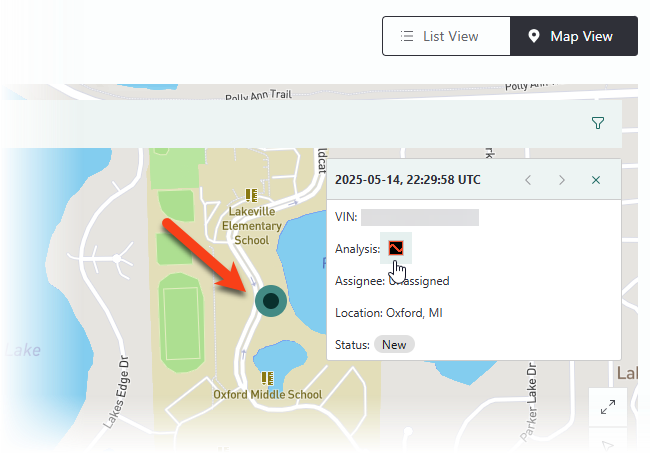
Next-Gen Qualifier has a new feature that makes troubleshooting a little easier. From the Events page, first select an event and then click the name of a vehicle or a package. Next, click Map View to see each occurrence represented as a green dot on the map. If you click one of those dots, you have the option to open that event file in AC-Graph for further investigation.
Your Aptiv team is here to help
Questions? Contact your Aptiv representative or email qualifier@aptivcs.com.
Aptiv Connected Services
5725 Innovation Drive, Troy, MI 48908