June/July 2025 Newsletter
Ready for wherever summer takes you
As the weather gets hotter, you might be about to leave for a personal vacation. Or you might have plans to test vehicles in more extreme conditions. This is your reminder that with Qualifier, you can collect and view data from almost anywhere in the world. Alaska, Antarctica, Africa, the Middle East,no place is too far away. And thanks to event notifications and report subscriptions, you can receive alerts and important data even if you're away from the office for a while. With its global coverage and remote work features, Qualifier is ready for your summer plans, no matter what they might be.
Next-Gen Qualifier to exit beta testing
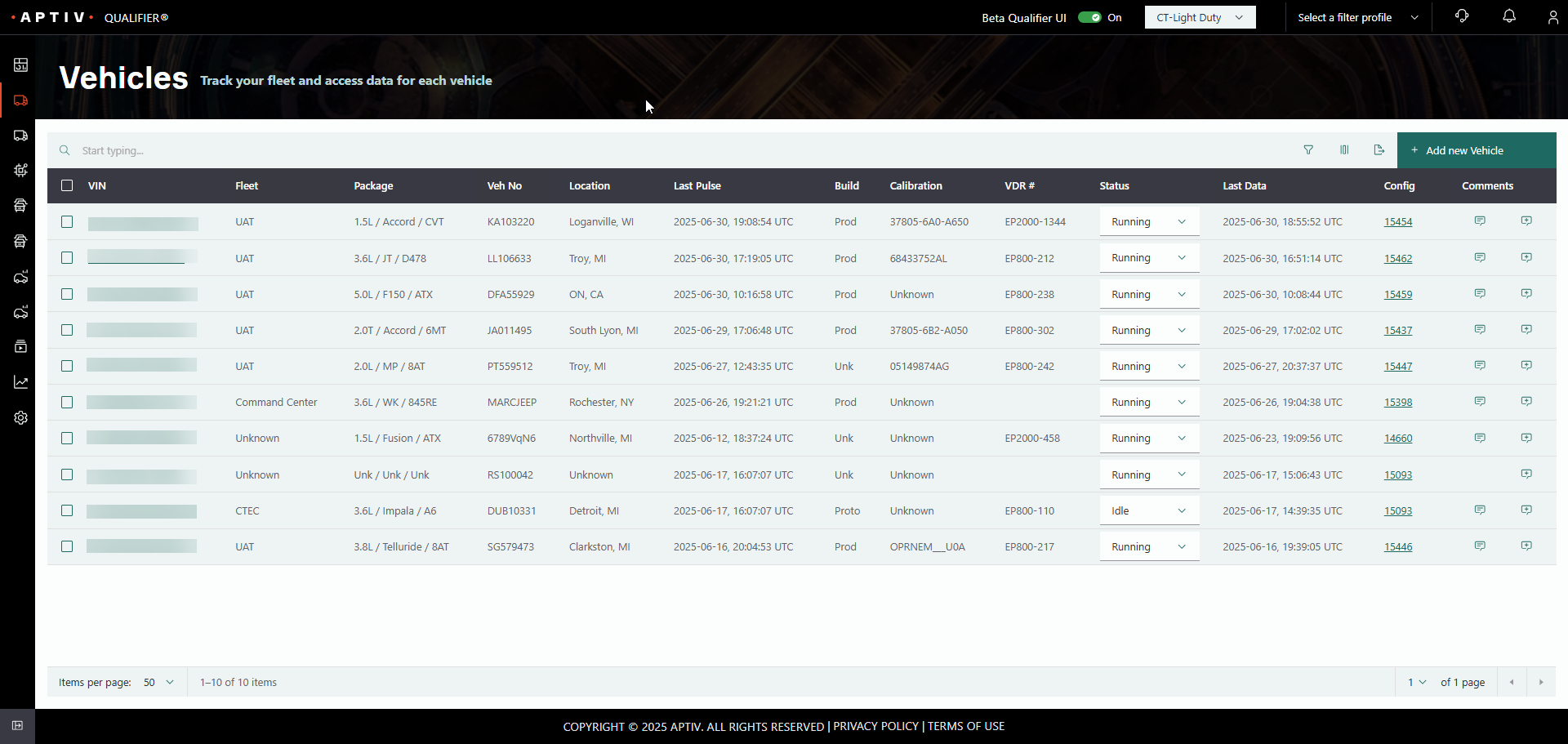
In the coming months, we'll be taking the "beta" label off the Next-Gen UI for the Qualifier web application. The new interface has improved to the point where you should be able to use it for 80%-90% of the day-to-day activities you do with Qualifier. And it has some advantages over Legacy Qualifier. Not only does it look better, it has a streamlined workflow, better maintainability, and new features like omnisearch. You can help us improve it even more by trying it out and giving feedback to your Aptiv representative on what you do and don't like. Eventually, we plan to stop updating Legacy Qualifier and focus all our development efforts on this new interface, so we appreciate your assistance in making it better.
Place your EP-800 order today
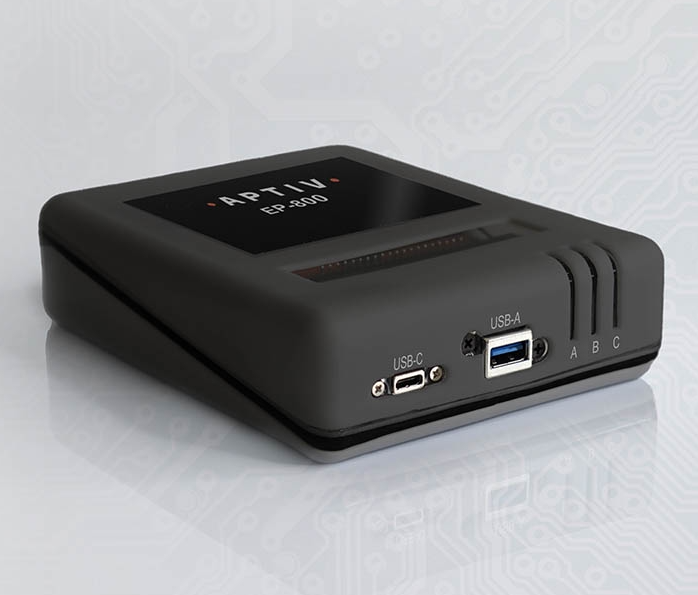
The new EP-800 is in the final stages of testing, and we're already getting a significant number of orders. This compact, dustproof, waterproof device is proving to be a hit for two-wheelers, off-road vehicles, and other vehicles where space is limited. If you've been planning to lease some EP-800s later this year, we encourage you to get your order in as soon as possible to ensure that we have enough devices available to meet your needs.
New feature: AC-Graph Video Insights filter
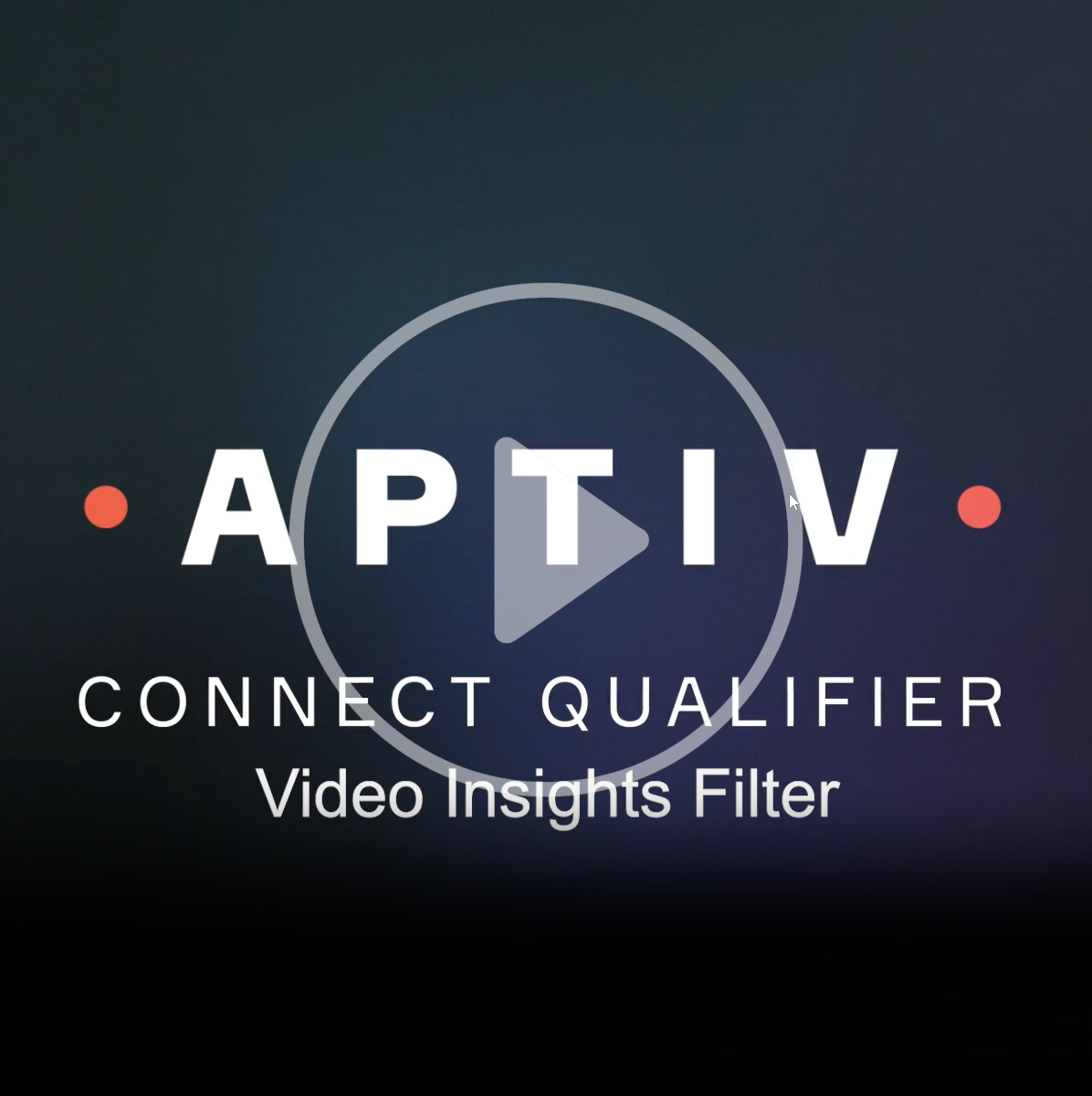
If you are using the Video Insights capabilities in AC-Graph, we have a new feature that makes it easier to focus on the data that's important to you. You can now turn different types of labels on or off. For example, sometimes videos have so many car labels it's difficult to see other labels you are more interested in. You can turn the car labels off to eliminate the clutter on the screen. You can also duplicate the same video feed up to four different times and view different labels in each panel. The helpful video linked on the left shows how it works.
Pro tip: Collapse the sidebar
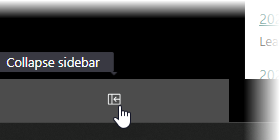
Have you ever wished you could squeeze more Qualifier data onto your screen? If you are using the Next-Gen interface, you can. Click the gray box in the lower left corner of the screen to collapse the menu sidebar and free up a lot of digital real estate. When you need to navigate to a different page, move your mouse over the icons on the left to temporarily expand the sidebar.
Bonus tip: If you have a very small screen or want to view even more data at once, you can also use your browser's zoom function to make everything smaller.
Your Aptiv team is here to help
Questions? Contact your Aptiv representative or email qualifier@aptivcs.com.
Aptiv Connected Services
5725 Innovation Drive, Troy, MI 48908