March 2026 Newsletter
Our hardware can go anywhere with you
One of our customers recently took vehicles equipped with Aptiv VDRs to the Atacama Desert in Chile. Despite temperatures that dropped to -30° C (-22° F) and winds of 100 km/h (62 mph), the Aptiv hardware collected data all along the climb up to an elevation of 5,900 m (19,400 ft). If your team needs to do some similarly extreme testing, let us know. We'll be happy to offer tips for getting the most out of your EP-800 or EP-2000 devices under even the most grueling conditions.
Next-Gen Qualifier is exiting beta
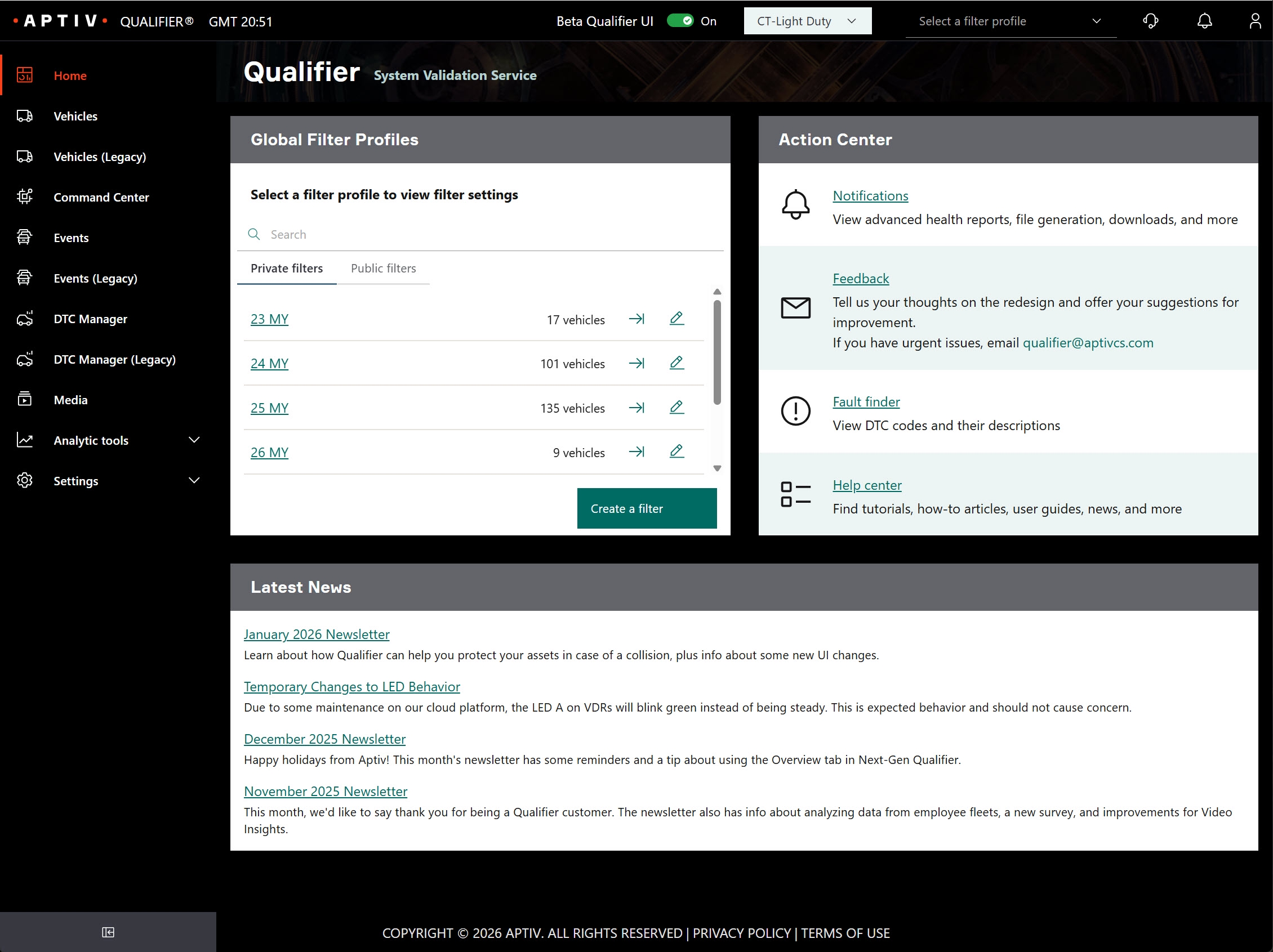
If you've been using the Next-Gen interface, you've probably noticed that it has gotten much better with time. At the end of March, we're planning to officially remove the "beta" label. We're also going to make Next-Gen the default interface. You can still switch back to the Legacy interface at any time, but Next-Gen will be the default setting. Please contact your Aptiv representative if you have any questions.
Try a free demo
Are there features in Qualifier you've wanted to try but you weren't sure it would be worthwhile? Are there other teams at your company that are considering Qualifier but aren't quite ready to commit? We would be happy to offer a short-term demo to try out our solution. For details or to get started, contact your Aptiv representative or email qualifier@aptivcs.com.
Qualifier Analytics training available at no cost
Could you or your team members use some training on how to use the dashboards in Qualifier analytics? Our Customer Success Engineering team can come to your location and provide free training. (We might even bring lunch as well!) To learn more, contact your Aptiv representative or email qualifier@aptivcs.com.
Pro tip: Use filters to make Qualifier faster
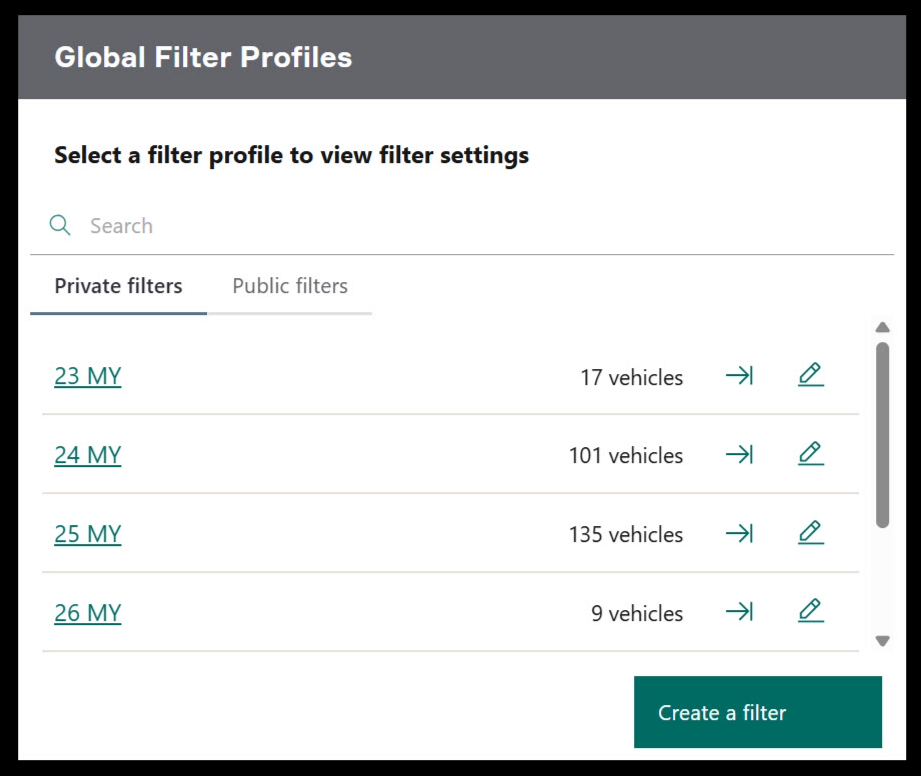
The number one thing you can do to speed up Qualifier is to set up and apply some global filters. These filters allow you to view only the fleets or vehicles that you are interested in. That saves a lot of time when Qualifier is loading new pages, and it can also help you work more efficiently. You can find the global filters on the Next-Gen Qualifier home page, and you can find complete details on how to use them in the Help Center.

Your Aptiv team is here to help
Questions? Contact your Aptiv representative or email qualifier@aptivcs.com.
Aptiv Connected Services
5725 Innovation Drive, Troy, MI 48908