Home
The Home page is your starting point in Qualifier. It brings together global filter profiles, quick actions, and recent product news so you can set the scope of your session before opening a data page.
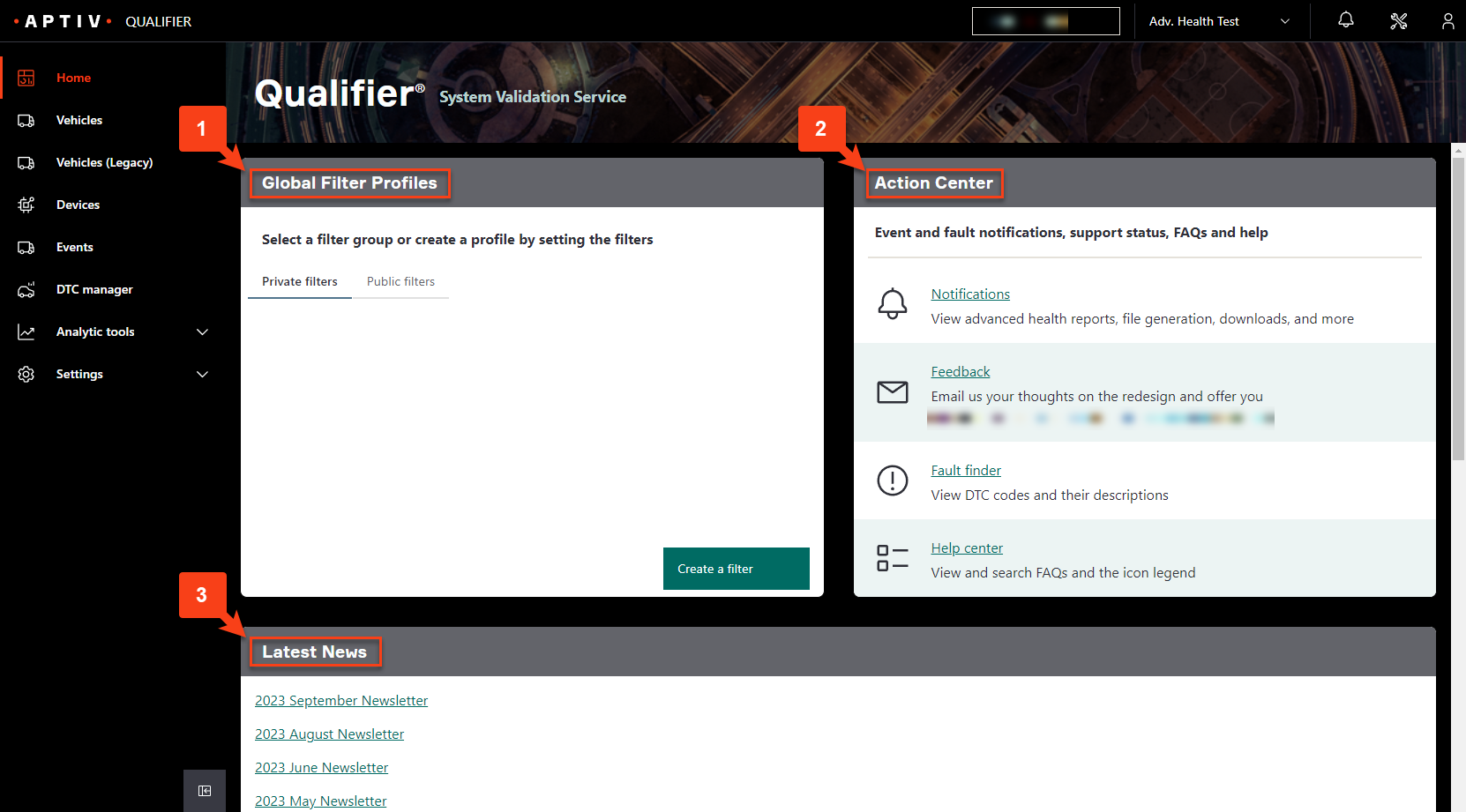
Global Filter Profiles
A global filter profile is a saved set of filters that applies everywhere. Pick one here and every page you visit afterwards shows only the vehicles it covers.
If you regularly work with the same fleet or vehicle group, save it as a profile instead of entering the same criteria on each page.
Profiles come in two kinds:
- Private filters are visible only to you. Useful for a working list, such as the vehicles you are currently chasing a problem on.
- Public filters are visible to everyone in your organization, and to nobody outside it. Useful when a team needs to look at the same group of vehicles.
You can also pick a profile from the filter selector in the top bar at any time, without coming back here.
To build one, see Use global filter profiles.
Action Center
Four links to things people need often.
| Link | What it does |
|---|---|
| Notifications | Alerts for advanced health reports, file generation, and downloads |
| Feedback | Emails the Qualifier team with a suggestion or a problem |
| Fault finder | Looks up diagnostic trouble codes (DTCs) and their descriptions |
| Help center | Opens this documentation |
Fault finder
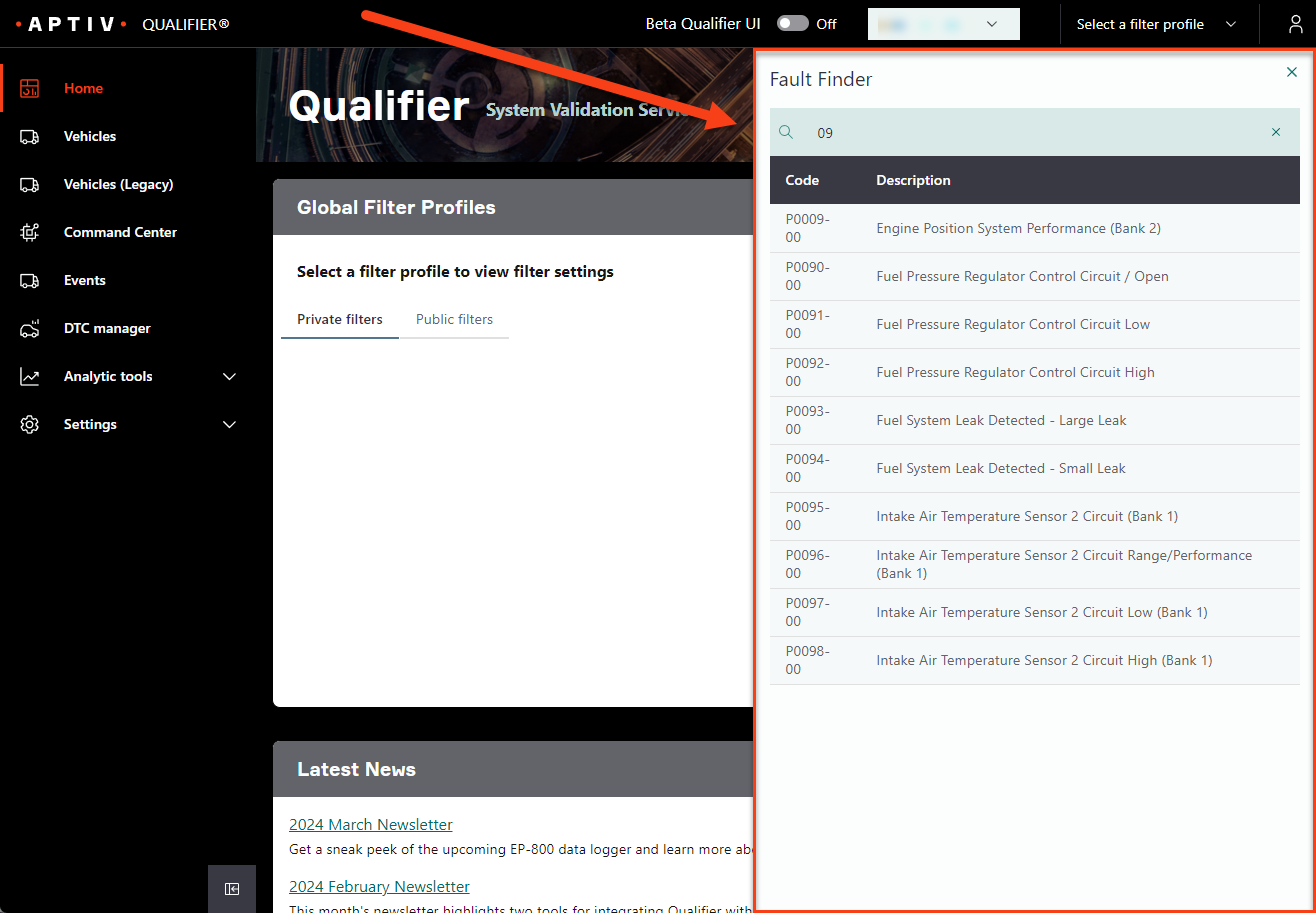
Fault finder is the fastest way to find out what a code means.
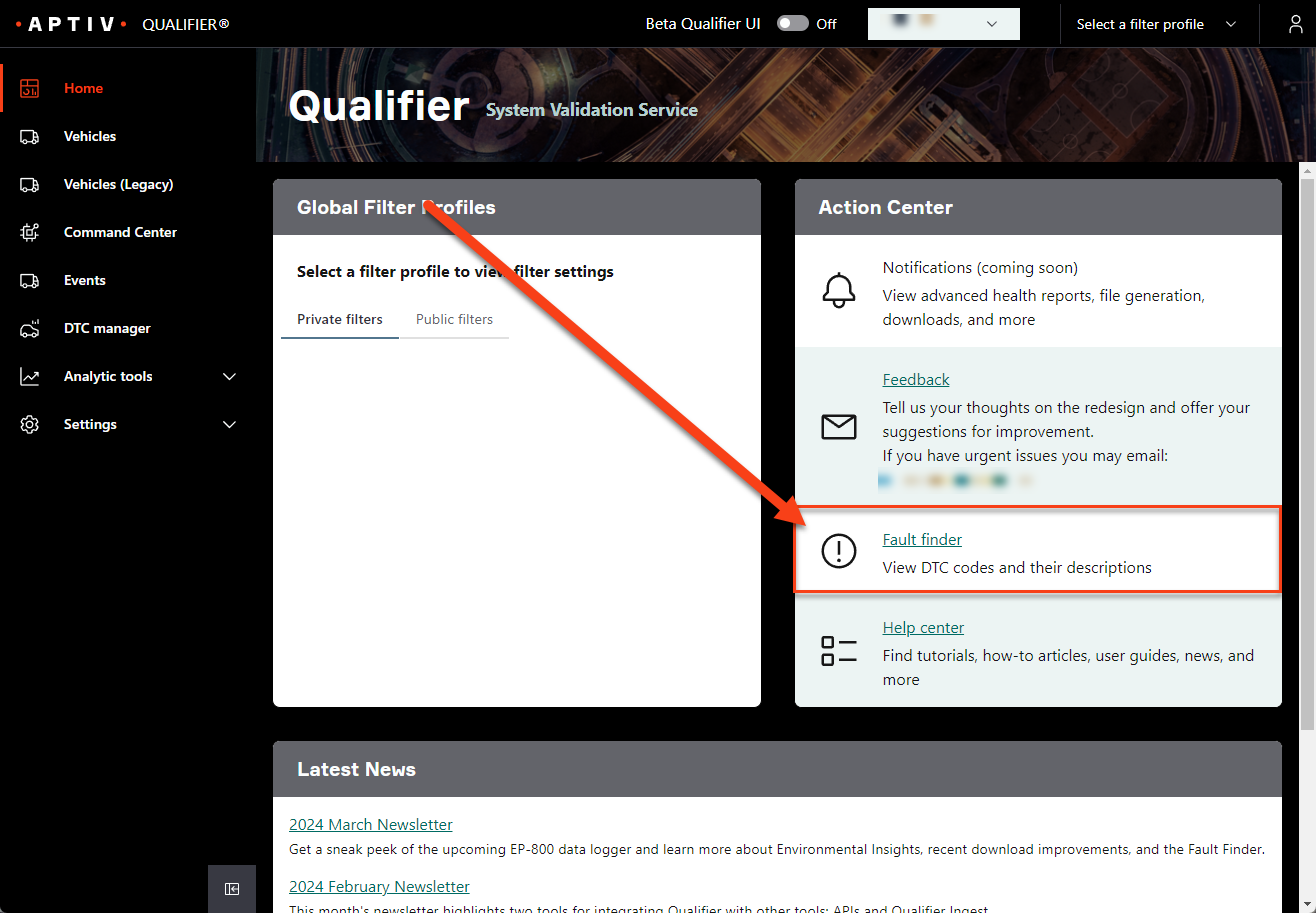
Click it and a panel opens. Search by code or by description and results appear as you type.
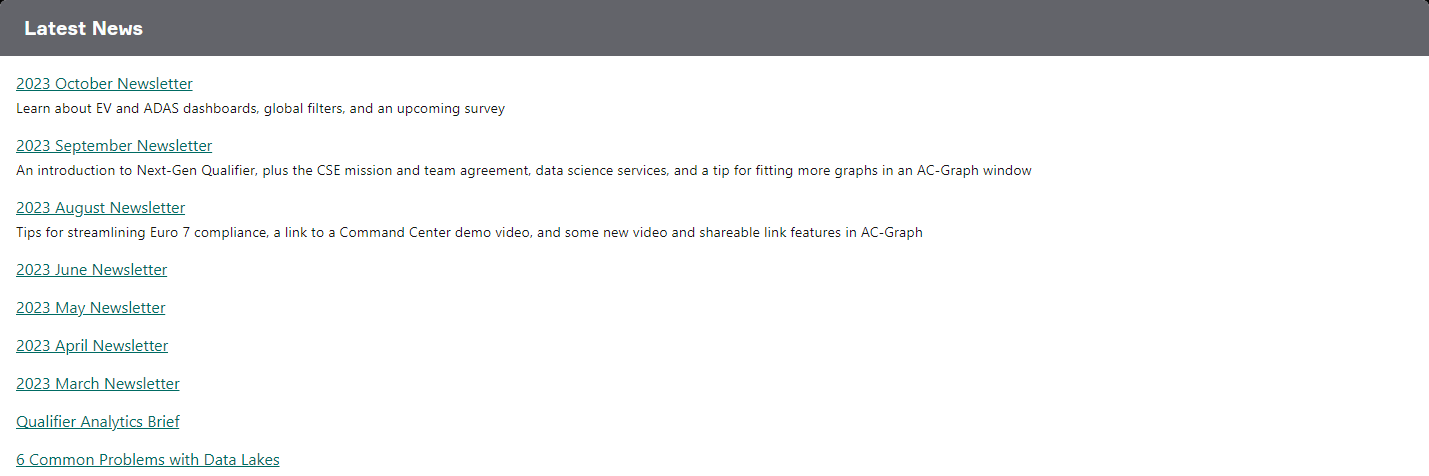
Latest News
The monthly Qualifier newsletter, release notes, technical articles, and other product information.