Set a default template in AC-Graph
Set a startup template when you routinely use the same graph arrangement. AC-Graph offers two default behaviors, depending on whether you want one specific template or the template associated with the file.
-
Open AC-Graph.
-
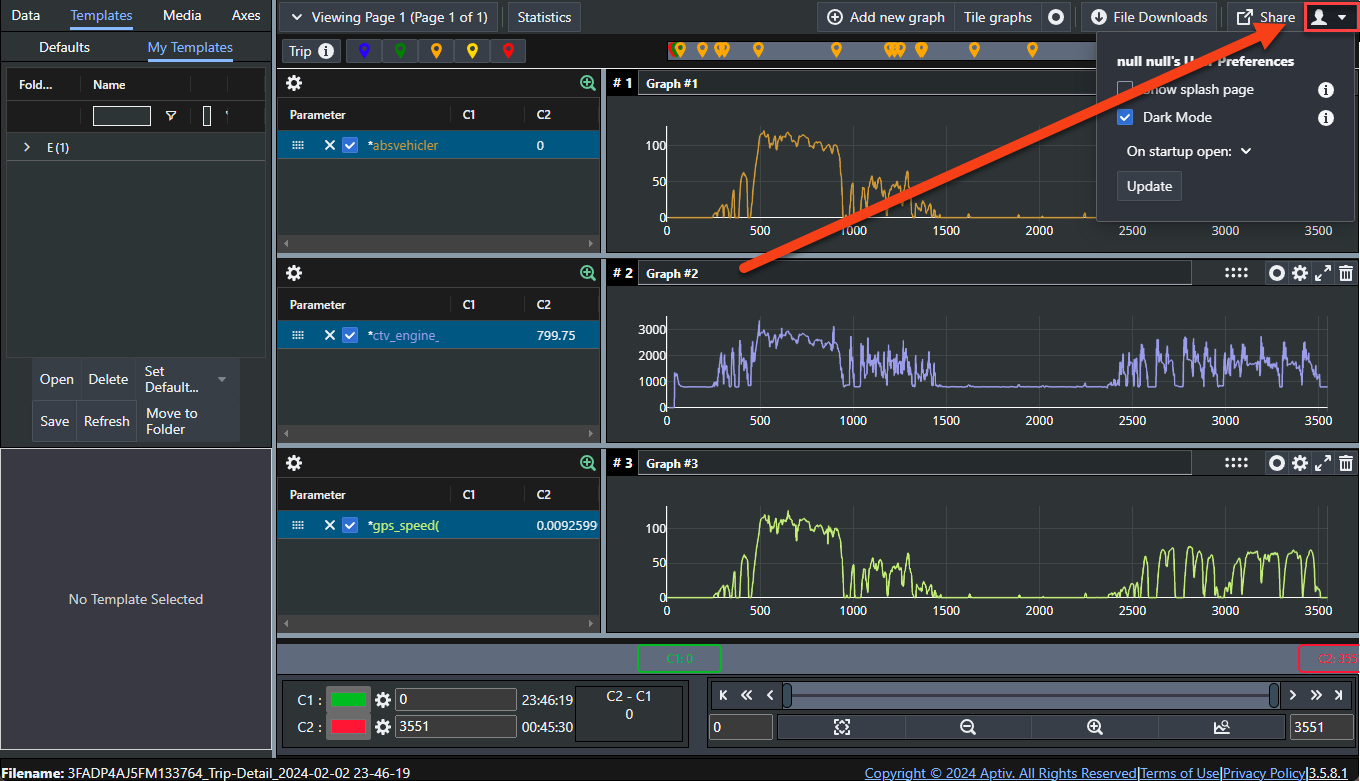
Click the user preferences icon, the person silhouette, in the top right.
-
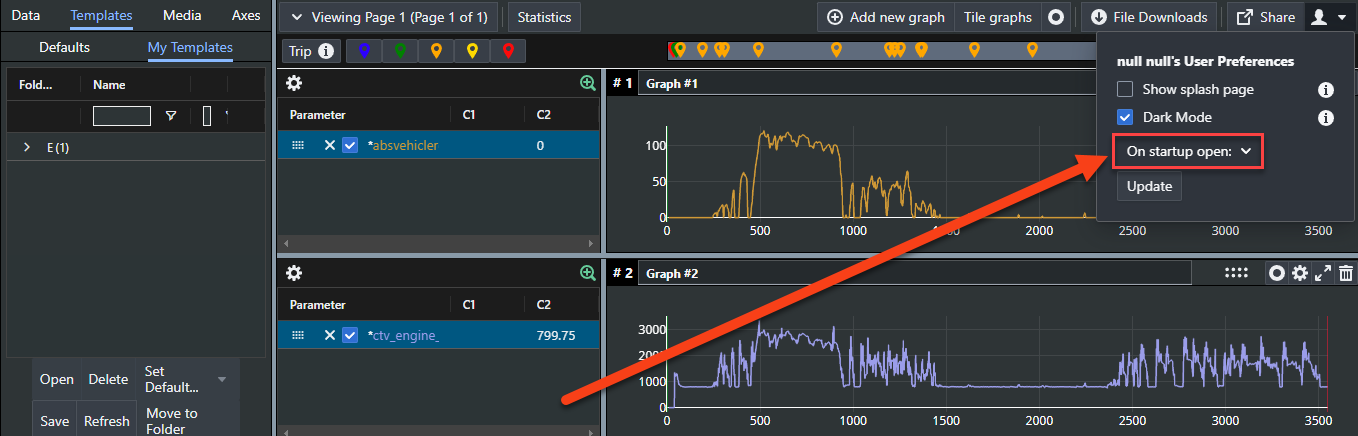
Open the On startup open: list.
-
Choose an option and click Update.
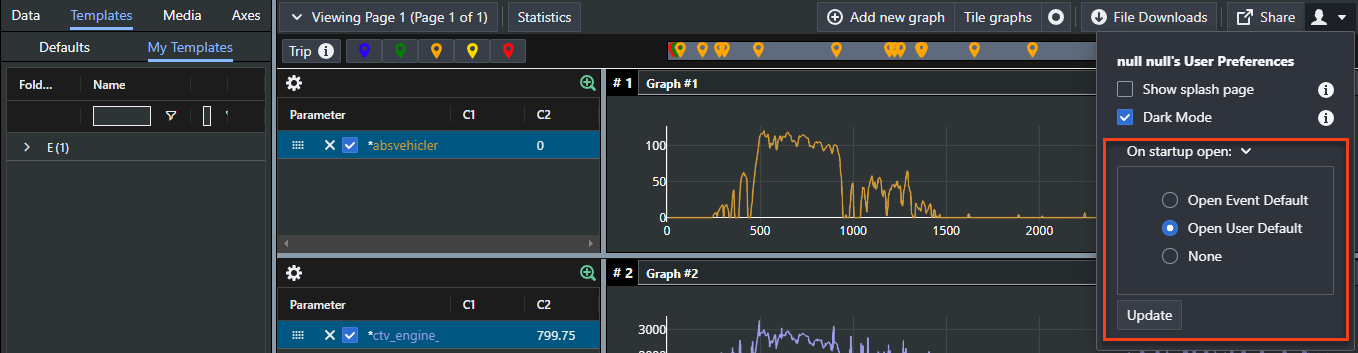
The options
User default loads the same template every time you open AC-Graph, whatever file you are opening.
Event default loads a template that matches the type of event you are opening. Which event types have defaults depends on your organization, though legislative diagnostic trouble code (DTC) events are a common case.
None opens AC-Graph with no template applied.