Create custom parameter filters in AC-Graph
A parameter filter is a saved signal list. Load one to replace a file's potentially long parameter list with the smaller set you regularly analyze.
AC-Graph can also offer these saved lists whenever it starts. See Load a parameter filter by default.
Create a filter
-
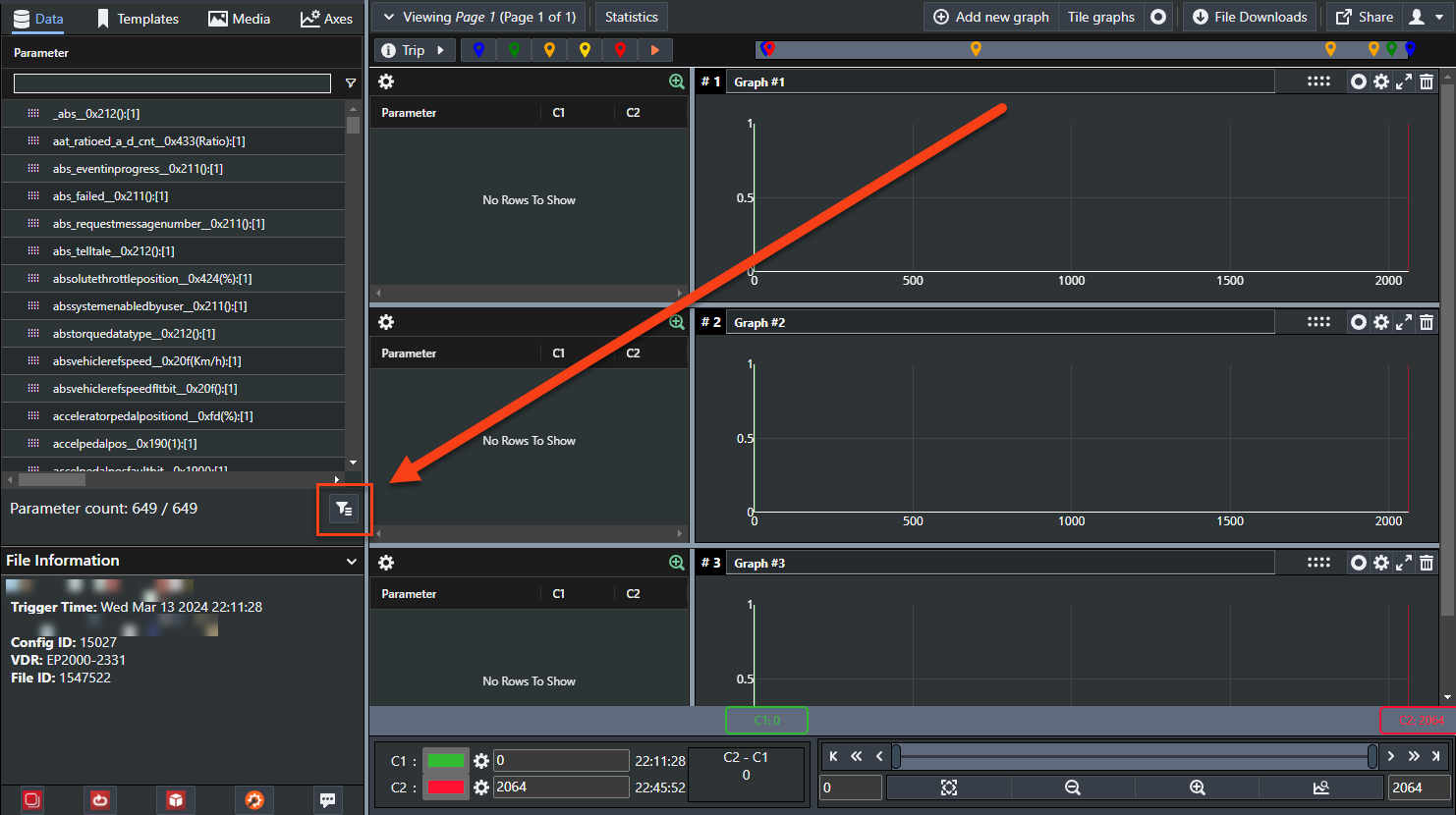
Click the filter icon below the parameter list.
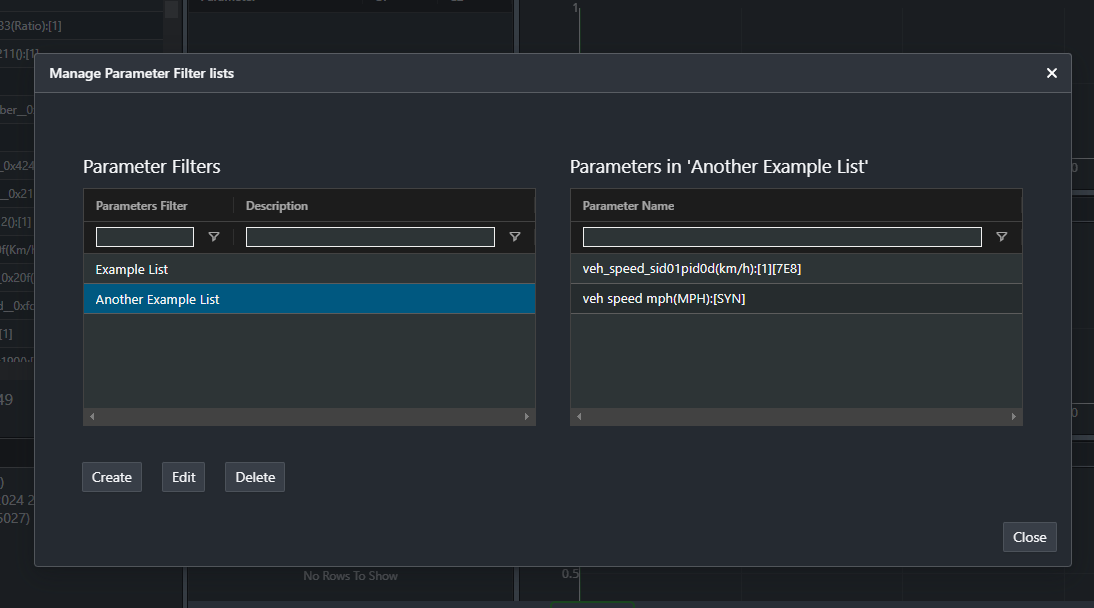
The Manage Parameter Filter Lists dialog opens. Existing filters appear in the left grid; select one to inspect its parameters in the right grid.
-
Click Create to start a new list, or Edit to change an existing one.
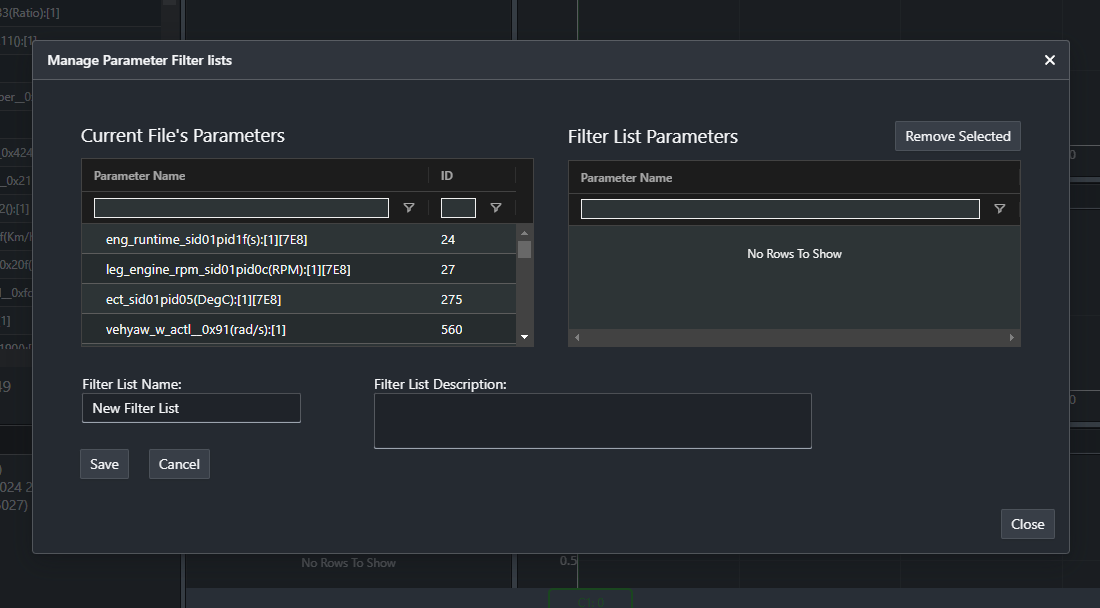
The left grid now lists the parameters in the file you have open.
-
Drag the parameters you want from the left grid to the right grid.
-
Enter a name for the list. A name is required. A description is optional.
-
Click Save, or Cancel to leave without saving.